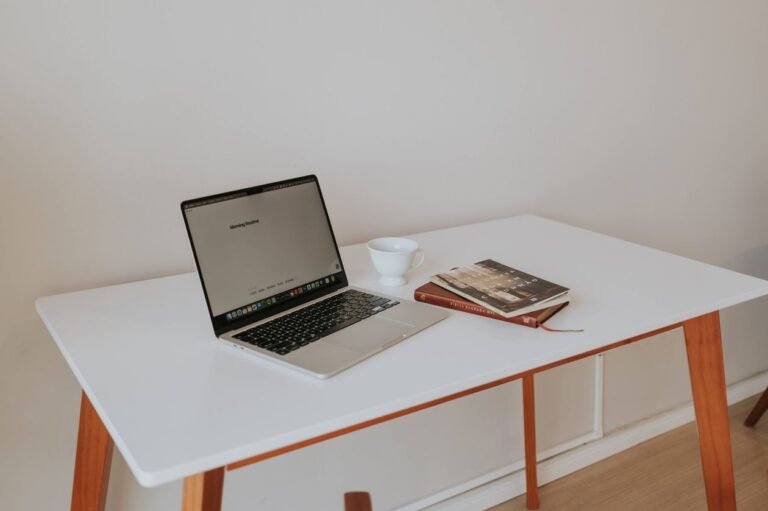
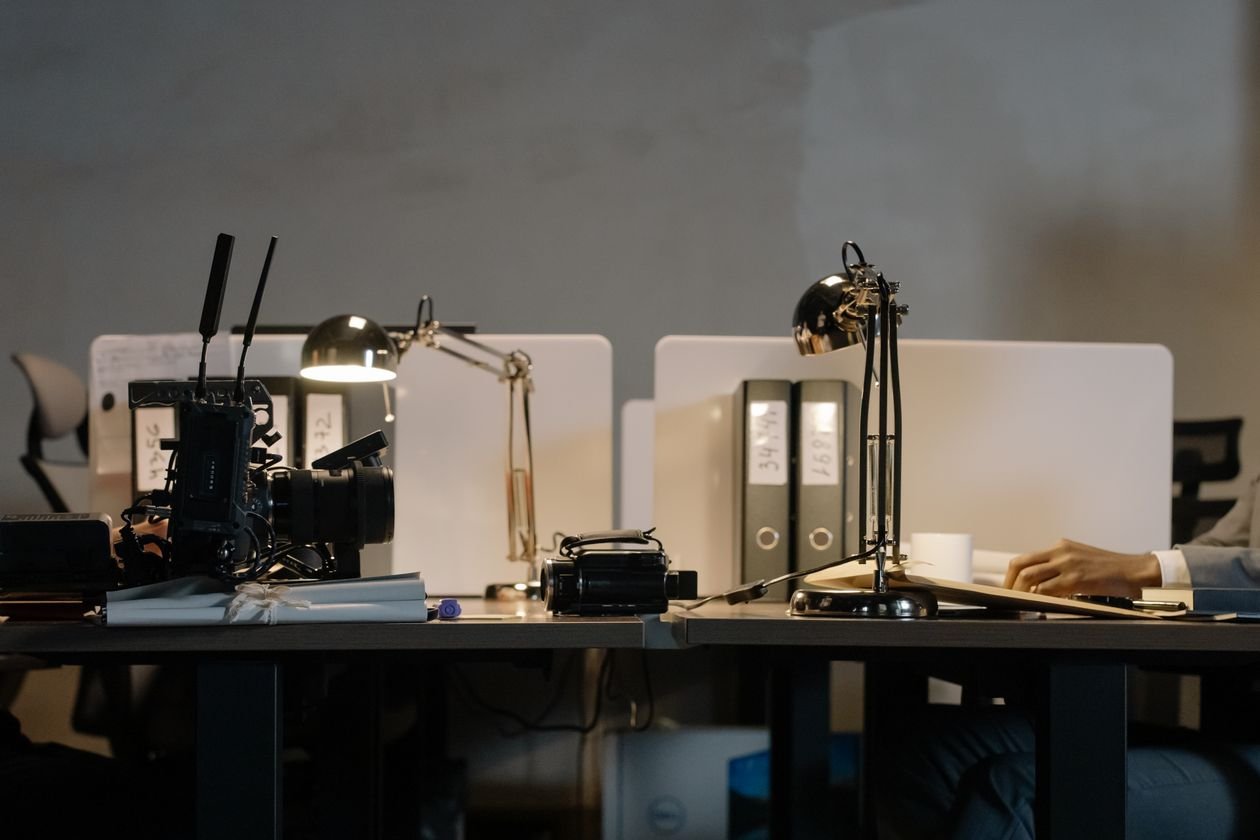
A home office desk setup determines how the whole workday feels, not just how the corner of a room looks in photos. The right home office desk setup balances posture, cable management, and enough surface area to actually work without constant clutter.
These principles apply whether you have a full spare room or just a small nook carved out of a shared living space.
1. Position the Monitor at Eye Level
The top of the screen should sit at or just below eye level to prevent neck strain. A monitor riser or stack of books solves this in a home office desk setup on any budget.
2. Choose a Chair That Supports Your Lower Back
Lumbar support matters more than style. A chair without it undermines even a well-designed home office desk setup within the first few hours of sitting.
3. Keep Cables Managed and Out of Sight
A cable tray under the desk or simple zip ties prevent the tangled mess that makes even a tidy home office desk setup look chaotic.
4. Add Task Lighting Beyond the Overhead Fixture
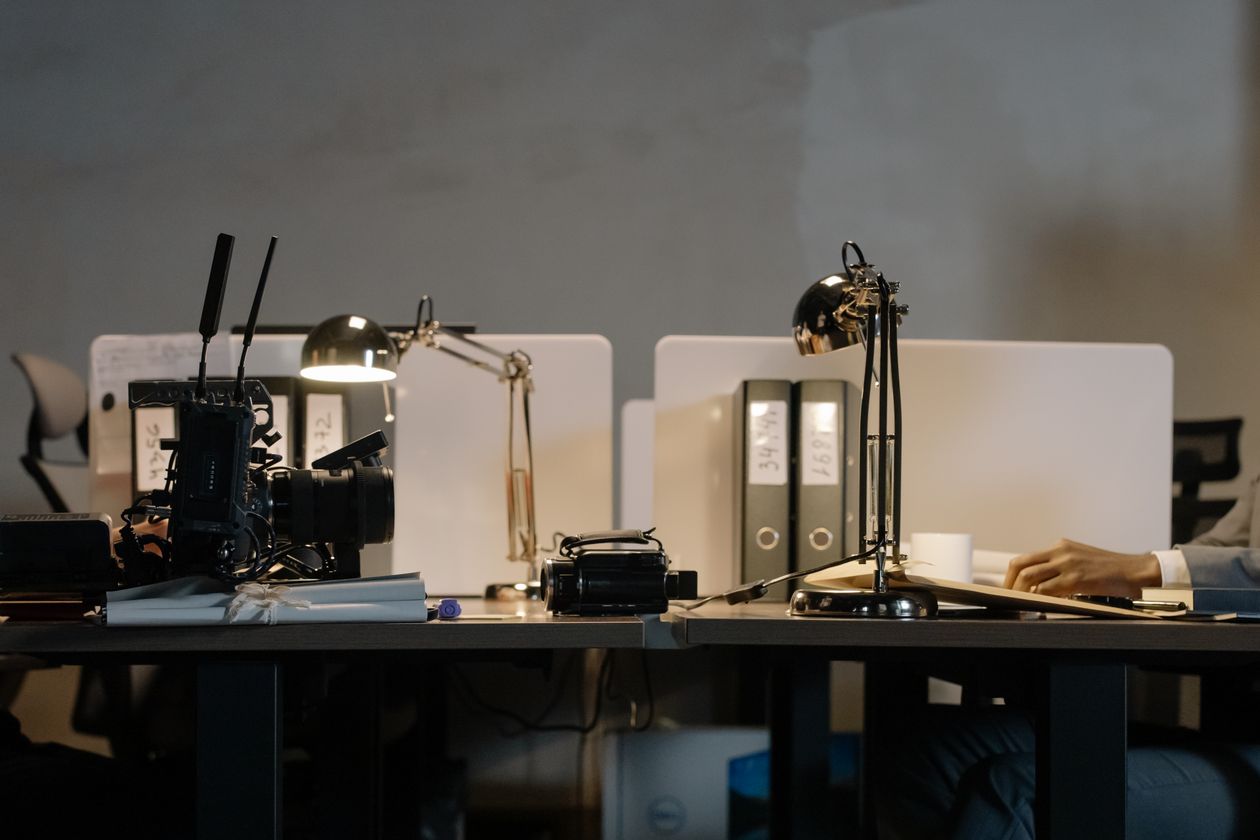
A desk lamp reduces eye strain during video calls and darker months, filling in shadows that overhead lighting alone leaves on the work surface.
5. Reserve One Zone for Non-Work Items
A small tray or shelf for personal items keeps sentimental clutter from spreading across the whole desk, preserving a clear surface for actual work.

How to Plan a Home Office Desk Setup in a Small Space
A corner desk or a slim floating shelf desk maximizes function without dominating the room, especially in a shared space that serves other purposes too.
Mistakes to Avoid
Skip facing the desk directly at a wall with no visual break, which tends to feel confining during long stretches of focused work.
A Simple Test Before You Commit to a Layout
Sit at the proposed desk position for a full afternoon before finalizing anything permanent, since comfort issues often don’t show up until hour two or three.

Home Office Desk Setup Ideas by Budget
Under $150: a monitor riser and a desk lamp. Around $500: an ergonomic chair upgrade. Over $1,200: a sit-stand desk plus a full ergonomic overhaul.
Home Office Desk Setup Ideas for Shared Rooms
A room divider or a bookshelf placed strategically creates visual separation for a home office desk setup tucked into a bedroom or living room corner.
Frequently Asked Questions
Is a standing desk necessary for a home office? Not necessary, but alternating between sitting and standing throughout the day does reduce fatigue for many people.
More Setup Questions, Answered
How much desk space does remote work actually need? Most people need at least 24 inches of depth and 48 inches of width for a monitor, keyboard, and notebook space.
A Quick Setup Checklist
Include: eye-level monitor, lumbar support, managed cables, and task lighting. Skip: facing a blank wall directly and skipping lumbar support to save money.
Home Office Desk Setup Ideas for Video Calls
Position the desk so the camera faces a window or a lamp rather than backlighting from behind, which flattens video quality no matter how good the webcam is.
A plain wall or a tidy shelf behind the chair reads better on camera than a cluttered background full of visual distractions during calls.
The Bottom Line
A good home office desk setup comes down to posture, lighting, and cable management rather than aesthetics alone. Start with monitor height and chair support before anything decorative. For more workspace ideas, see our Home Office guides and our furniture and decor picks. For ergonomic guidance, The Spruce is a helpful outside resource.